Ask an Event Expert: Best Practices for Supporting Your Presenters

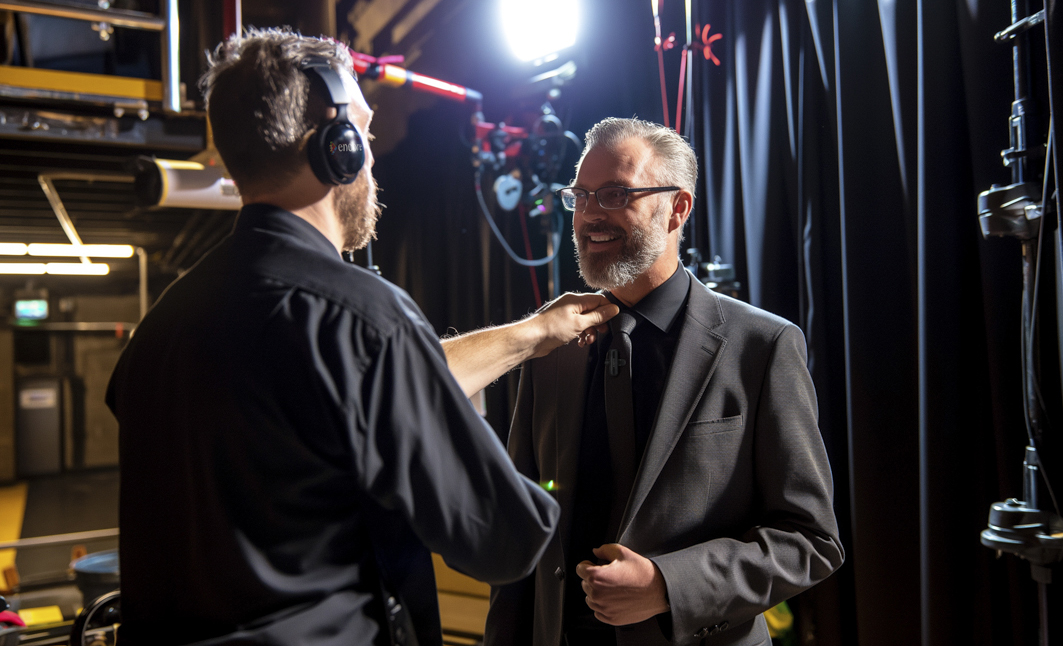
A man in a suit smiles as another person wearing headphones adjusts his microphone backstage, with stage lights and curtains visible in the background.

Event presenters do so much more than deliver content: They set the tone, drive engagement and influence how participants experience an event. When presenters feel comfortable, confident and supported on stage, their message lands more clearly and makes a lasting impact.

In this edition of Ask an Event Expert, our Encore team members share how event planners can better support event presenters with thoughtful preparation and integration of event technology. Drawing from producer, presenter and technical perspectives, we answer the most common questions planners ask about creating an environment where presenters can perform at their best.

Meet the experts

Krista Cameron
Krista Cameron
Regional Vice President, Industry Relations
Jason Tobin
Jason Tobin
Product Manager, Audio, Video & Power
Ben Bromilow
Ben Bromilow
Senior Direction of Production
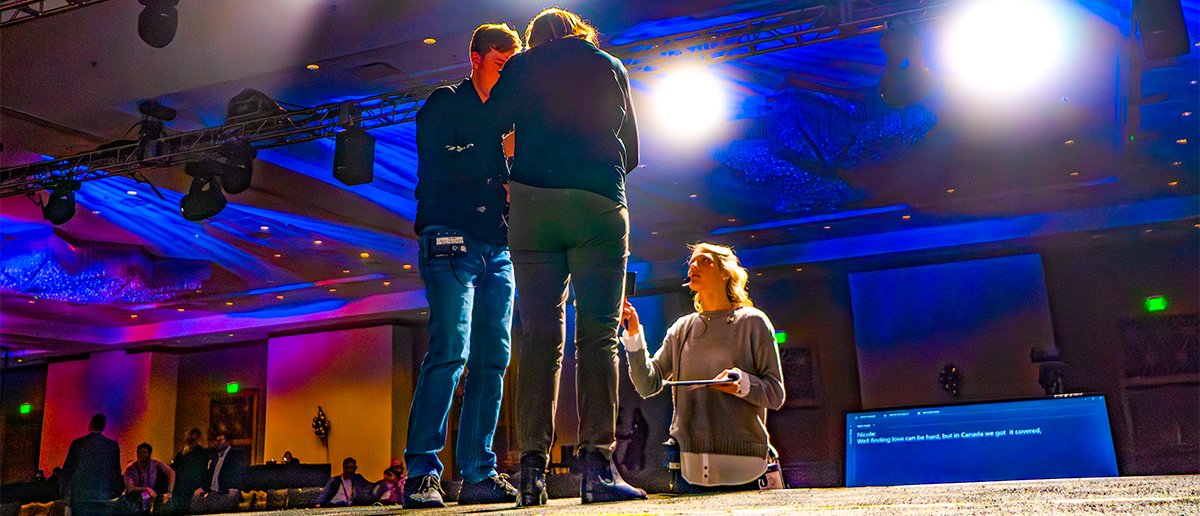
Ben Bromilow, Senior Director of Production: Presenter support starts in pre-production. One of the most effective tools we use is a table read scheduled well before the event. This allows us to walk through rehearsal timing, stage entrances, introductions and how the room functions. When presenters understand where they will enter, where they will stand, how they will be introduced and what they will hear before stepping on stage, it reduces uncertainty. Familiarity builds confidence, and confidence improves delivery.

What details make the biggest difference in presenter comfort?

Ben: The details people tend to overlook are the ones that often matter most. We talk early about microphone type — whether a lavalier or headset mic is best — and how that affects wardrobe choices. When we have the stage plot and know where the presenter will stand in relation to the display, we review what content will appear behind presenters on the screen, so they don’t blend into the background. We also walk through speaker bumpers, videos and cues so nothing feels unfamiliar. When presenters know what to expect, rehearsals move faster and the overall show runs more smoothly.

Why are confidence monitors so impactful for presenters?

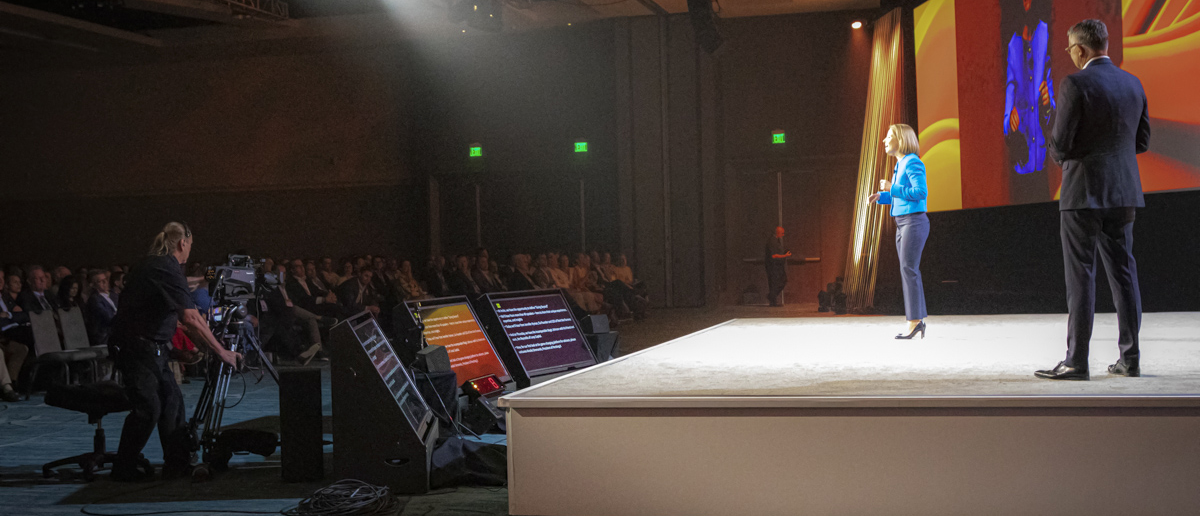
Jason Tobin, Product Manager of Audio, Video & Power: Confidence monitors are a key presenter support tool. They allow presenters to see their slides, notes, or timing cues in front of them, helping them stay oriented and in control. Some presenters rely entirely on slides, while others prefer access to notes. In situations where precise messaging is critical, a teleprompter may be the preferred option. Providing multiple support tools allows presenters to choose what feels most natural.


From a presenter’s point of view, what makes you feel most supported on stage?

Krista Cameron, Regional Vice President, Industry Relations: Effective on-stage support starts well before the stage is set. It begins with a preparation call to align on presentation goals, the organization’s vision and the audience’s needs. Access to a teleprompter is essential, as is the opportunity to complete a full rehearsal with a team that guides the presenter through each step.

How does event technology influence how presenters shape their content?

Krista: Technology affects content more than people realize. On a large main stage with LED walls presentations can lean more visual. In a breakout room, content may shift toward discussion and interaction. Polling tools are another example. Event technology has transformed presentation content from being static into dynamic, audience-driven and even immersive experiences. It can influence how a presenter shapes their content with visuals for storytelling and interactive engagement instead of text-heavy slides that don’t engage an audience.

Why is audio such a critical part of presenter confidence?

Jason: Presenter confidence increases when speakers can clearly hear their own voice. One of the most effective ways to support this is through  foldback speakers, also known as stage monitors. These speakers return sound to the stage, allowing presenters to hear themselves accurately and in real time. Without proper foldback, presenters may experience delayed or muffled audio from house speakers, which can disrupt pacing and delivery. Clear stage monitoring helps presenters stay composed, speak naturally, and avoid moments of uncertainty.

What microphone options should planners consider for presenters?

Jason: Lavalier (LAV) microphones are the most common option, offering hands-free operation and ease of use.

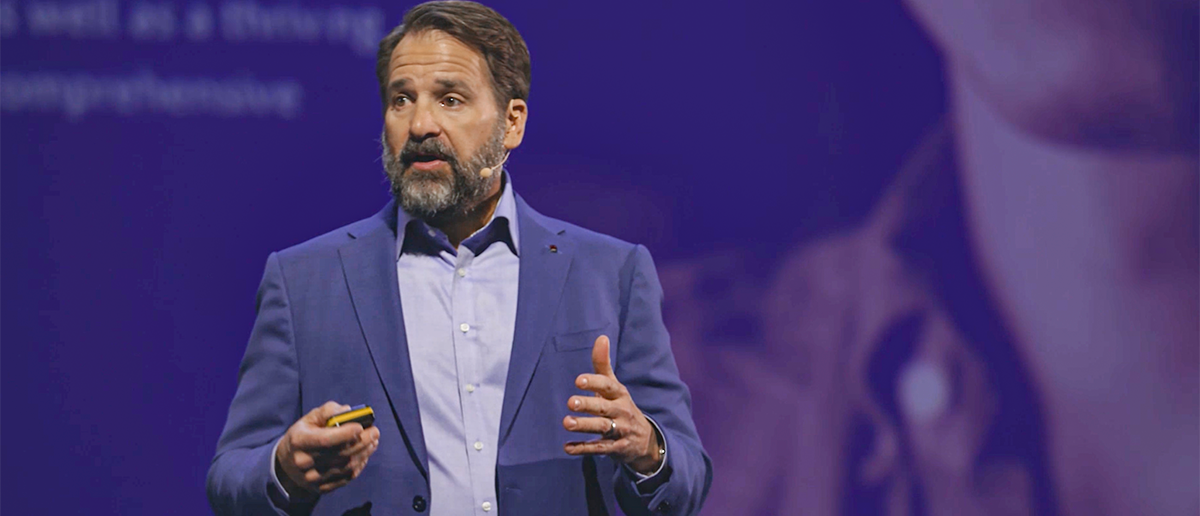
Headset microphones are often preferred for keynote or high-profile presentations, as they remain consistently positioned close to the mouth and deliver more reliable sound quality.

Wardrobe is an important consideration when selecting microphones. Items such as scarves, sweaters, t-shirts, or jewelry can interfere with lavalier placement and audio clarity. Headset microphones eliminate these concerns by ensuring consistent microphone positioning.


How can planners support presenters during audience Q&A?

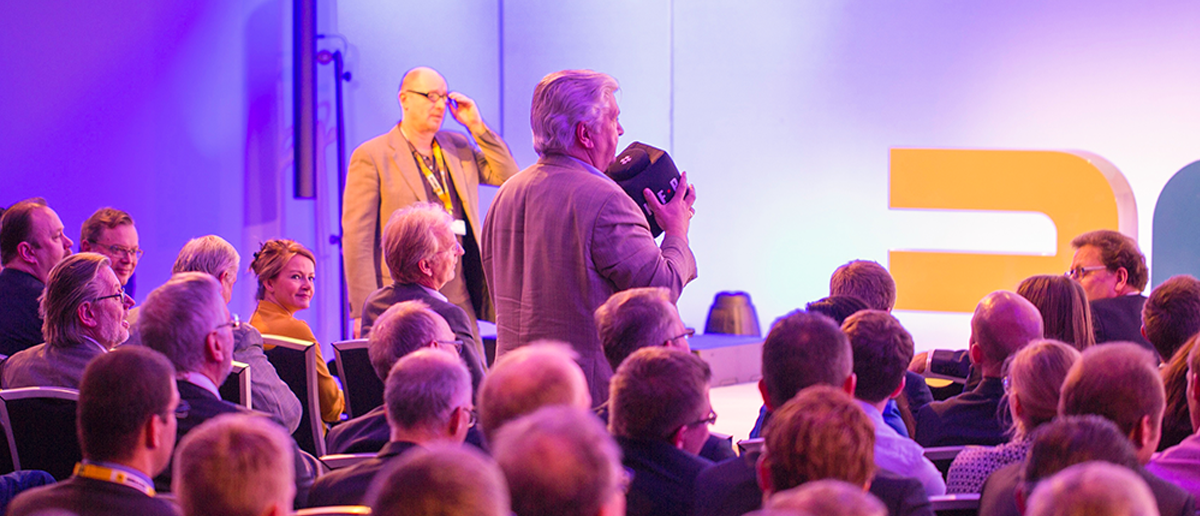
Jason: During Q&A sessions, presenters must be able to clearly hear audience questions. Foldback speakers are essential, as they relay audience microphones to both the stage and the room, allowing presenters to respond naturally and maintain momentum.
A clear strategy for capturing audience questions is also important. Large venues often use fixed aisle microphones, which can be pre-lit to help presenters identify speakers.
Microphone runners are another effective option, bringing microphones directly to audience members and encouraging greater participation.
In smaller rooms, a Catchbox (throwable microphone) offers an engaging and practical solution for audience interaction.

What is the most overlooked aspect of presenter support?

Ben: The details that make the biggest difference in presenter comfort are often the ones people overlook.

Planning. We address microphone selection early, lavalier versus headset—because it impacts wardrobe, movement, and overall confidence. Once the stage plot is locked, we review where presenters will stand in relation to the displays and what content will appear behind them, making sure they don’t visually blend into the background.

Rehearsal. We also make a point of getting presenters comfortable under stage lighting ahead of time. Bright key lights can be jarring the first time someone steps onstage, so we walk them through how the lighting will feel, where the light hits, and what to expect sightline‑wise. When possible, we get them under show lighting during rehearsal so it’s not a surprise.

Cues. Finally, we walk through speaker bumpers, videos, and show cues in advance so nothing feels unfamiliar. When presenters know exactly what to expect, rehearsals are more efficient and the show

Krista: Context. Presenters perform better when they understand the audience, the culture and the goals of the session.
Jason: Flexibility. When presenters have options, like confidence monitors with notes or slides, they feel supported rather than constrained.

 
Key takeaways for event planners:

  • Presenter confidence starts with preparation
  • Table reads and rehearsals reduce uncertainty
  • Confidence monitors help presenters stay oriented and engaged
  • Clear audio supports delivery and connection
  • The right microphone improves consistency and comfort
  • Backup plans create peace of mind

What Our Experts Say

Supporting presenters isn’t just about having the right equipment in the room. It’s about preparation, communication and selecting event technology that helps speakers feel confident, comfortable and connected before they ever step on stage. When presenters are supported, audiences feel the difference and that’s when events resonate with participants most.

Share:

Ready to get started?

Explore display solutions that set your event apart!